

Welcome Guide for Students & Staff
Welcome to the University Campus Manager Enterprise (UCMe). This guide will help students and staff quickly get started with accessing and using the system effectively.
Accessing the System
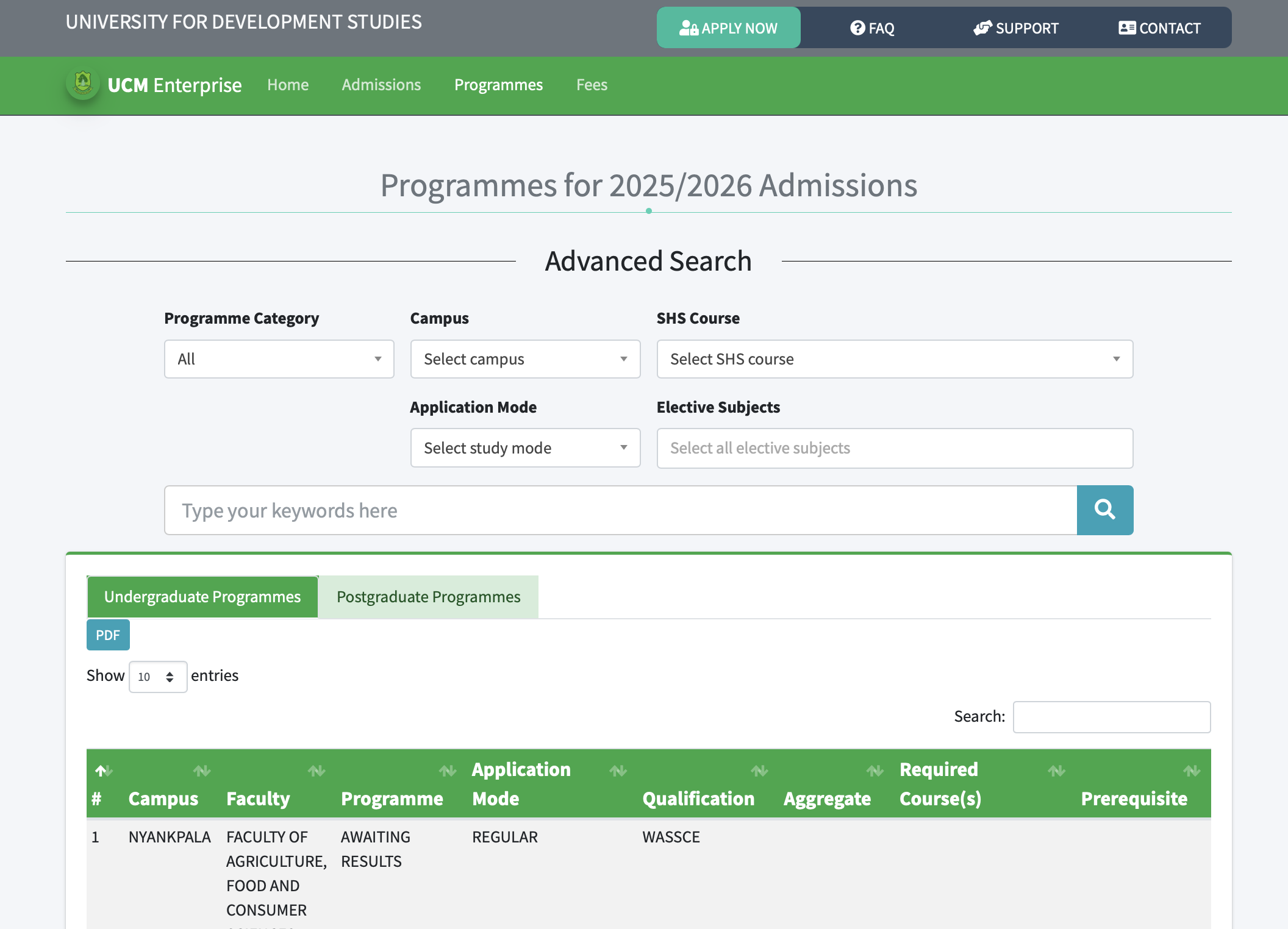
- Visit the official university portal at https://ucm.uds.edu.gh
- Log in using your assigned username and password
- Ensure you are using a secure and updated web browser
- Do not share your login credentials with anyone
Dashboard Overview
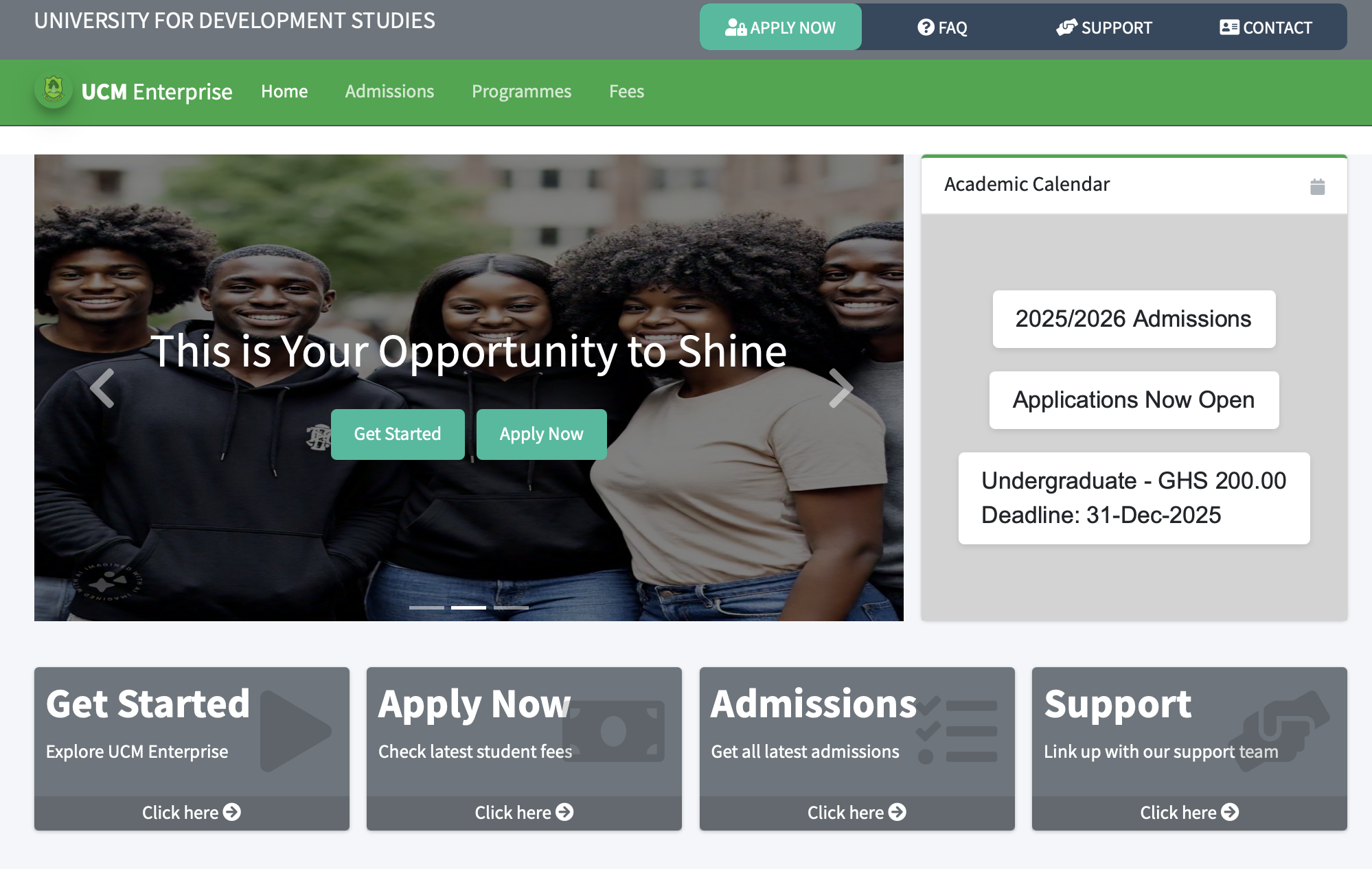
After login, you will be directed to your personalized dashboard. The dashboard provides quick access to key features, notifications, and system modules based on your role.
User Account
First-Time Login
- Use the default credentials issued by the University
- Students default credentials are stated in their admission letters
- You will be prompted to change your password upon first login
- Set a strong password combining letters, numbers, and symbols
- Set up recovery options such as email or phone number if required
For Students
Students can use the system to:
- Complete course registration and manage enrolment
- View academic records, results and transcripts
- Check fee statements and make payments
- Receive announcements and academic updates
- Apply for hostel accommodation and other services
For Staff
Staff can use the system to:
- Manage student records and academic activities
- Upload results and monitor student performance
- Access administrative and departmental tools
- Manage schedules, reports and official communications
- Perform HR-related tasks where applicable
Tips & Security
Navigation Tips
- Use the main menu to access different modules
- Check notifications regularly for important updates
- Use the search feature to quickly find information
- Log out after each session, especially on shared devices
Security Best Practices
- Keep your password confidential and update it regularly
- Avoid accessing the system on public or unsecured networks
- Report any suspicious activity immediately
- Always log out after completing your tasks
Troubleshooting
- If you forget your password, use the “Forgot Password” option
- Ensure your internet connection is stable
- Clear browser cache if pages do not load correctly
- Contact support if issues persist
Support and Assistance
For technical assistance or enquiries, please contact the Directorate of ICT, campus ICT support units or via email: ictd@uds.edu.gh